
IT support for individuals & small businesses in the UK
Your IT problems, solved with confidence.
Desktop support, Microsoft 365 administration and practical cybersecurity assistance for individuals and growing businesses.
- Windows & desktop support
- Microsoft 365 administration
- Practical cybersecurity

Services
Practical IT support, from the desktop to the cloud
Whether it is a single laptop or a small team on Microsoft 365, Techiegist helps you fix problems, manage systems and stay secure.

Desktop & Windows support
Help with Windows 10 and 11 set-up, updates, performance issues, user profiles and everyday desktop problems.
- New PC set-up
- Windows updates & drivers
- Slow or unstable PCs
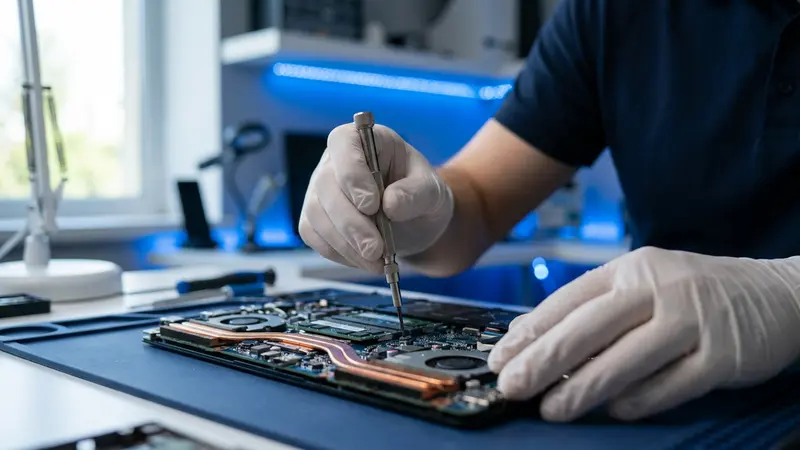
Hardware & software troubleshooting
Methodical diagnosis of hardware faults, peripherals, printers and application issues — with clear explanations of what went wrong.
- Hardware diagnostics
- Printer & peripheral issues
- Application errors

Remote IT support
Secure remote sessions to resolve many issues without a site visit, so you can get back to work sooner.
- Screen-share troubleshooting
- Software installs
- Configuration changes

Microsoft 365 & Exchange Online
Mailbox, licence and user management, shared mailboxes, Teams and OneDrive set-up, and email delivery troubleshooting.
- Mailbox & licence admin
- Shared mailboxes & aliases
- Email delivery issues

Active Directory & Entra ID
User and group administration, password and MFA resets, and sensible identity hygiene across on-premises and cloud directories.
- Users, groups & roles
- MFA & password resets
- Access reviews

Intune & endpoint management
Device enrolment, compliance policies, app deployment and configuration profiles to keep your devices consistent and managed.
- Device enrolment
- Compliance policies
- App deployment

Practical cybersecurity guidance
Straightforward, proportionate advice on securing accounts, devices and data — focused on the steps that matter most for small teams.
- Account & MFA hardening
- Phishing awareness
- Backup & update checks
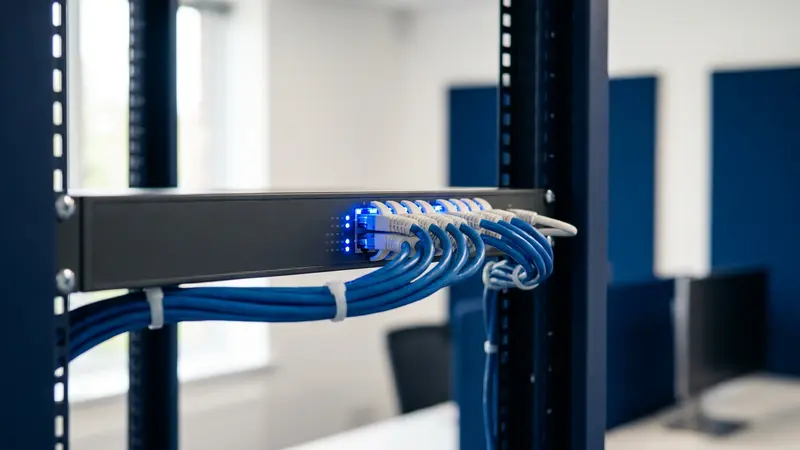
Network & connectivity
Help with Wi-Fi, routers, cabling and VPN access so your devices connect reliably at home or in the office.
- Wi-Fi & router set-up
- Connectivity issues
- VPN access

IT setup & documentation
New starter and device set-up, plus clear records of your accounts, devices and settings so nothing gets lost.
- New starter set-up
- Device & account records
- Handover notes
Not sure which service you need?
Describe the problem and Techiegist will point you in the right direction.
Martin Udechukwu
Founder, Techiegist
- MSc CybersecurityUniversity of Derby
- BSc Computer ScienceUndergraduate degree
- Hands-on IT supportPractical, real-world experience
About
Meet Martin, the founder behind Techiegist
Techiegist was founded by Martin Udechukwu to give individuals and small businesses in the UK access to dependable, jargon-free IT support.
Martin holds a BSc in Computer Science and an MSc in Cybersecurity from the University of Derby. Alongside his academic background, he brings practical IT support experience — troubleshooting desktops, administering Microsoft 365 and identity services, and helping people work more securely.
The aim is simple: solve the problem properly, explain it clearly, and leave your technology a little more secure than it was before.
Why Techiegist
IT support that is clear, practical and secure
Good IT support is about more than fixing things. It is about trust, communication and making sensible decisions on your behalf.
Clear communication
Plain-English explanations of the problem, the fix and any next steps — no jargon, no guesswork.
Practical troubleshooting
A structured, evidence-led approach that finds the root cause rather than applying quick patches.
Customer-focused support
Support shaped around how you work, whether you are an individual at home or a growing small business.
Security-conscious IT
Every change is made with security in mind, so solving one problem never quietly creates another.
The Techiegist approach
- ListenUnderstand the problem and how it affects you.
- DiagnoseInvestigate methodically to find the root cause.
- ResolveApply a secure, lasting fix — and explain it.
Projects & resources
IT projects, troubleshooting guides and security checklists
A growing library of hands-on work and practical resources. Items marked “Demo project” are illustrative examples showing the kind of content that will be published here.
- ChecklistDemo project
Microsoft 365 security baseline for small businesses
A starting checklist for tightening a small Microsoft 365 tenant without disrupting day-to-day work.
- Microsoft 365
- Entra ID
- Security
- 1Enforce MFA for every user, starting with admin accounts
- 2Disable legacy authentication protocols
- 3Separate admin accounts from daily-use accounts
- 4Review external sharing in SharePoint and OneDrive
- 5Turn on audit logging and review sign-in alerts
- GuideDemo project
Troubleshooting a slow Windows 11 PC
A step-by-step guide to finding out why a Windows PC is slow, from start-up apps to disk health.
- Windows 11
- Performance
- Troubleshooting
- 1Check Task Manager for CPU, memory and disk pressure
- 2Review and trim start-up applications
- 3Confirm Windows Update and driver status
- 4Check storage health and free space
- 5Scan for malware with Microsoft Defender
- ProjectDemo project
Intune device enrolment lab
A test environment demonstrating Windows Autopilot enrolment, compliance policies and app deployment.
- Intune
- Autopilot
- Endpoint
- 1Register test devices with Windows Autopilot
- 2Create a baseline compliance policy
- 3Deploy Microsoft 365 Apps to enrolled devices
- 4Apply a configuration profile for BitLocker
- 5Document the process for repeatable roll-outs
- ChecklistDemo project
Home and remote-worker cybersecurity checklist
Practical, low-cost steps to secure a home office, personal devices and online accounts.
- Cybersecurity
- Remote work
- Individuals
- 1Use a password manager and unique passwords
- 2Turn on MFA for email, banking and social accounts
- 3Change the default router admin password
- 4Keep devices and apps automatically updated
- 5Keep at least one offline or cloud backup
- ProjectDemo project
Hybrid identity lab: Active Directory to Entra ID
A lab environment synchronising an on-premises Active Directory with Entra ID using Entra Connect.
- Active Directory
- Entra ID
- Hybrid
- 1Build a Windows Server domain controller
- 2Structure OUs, users and security groups
- 3Install and configure Entra Connect sync
- 4Verify password hash sync and sign-in
- 5Document troubleshooting for common sync errors
- GuideDemo project
Fixing email delivery issues in Exchange Online
How to trace missing or bounced emails and check SPF, DKIM and DMARC records.
- Exchange Online
- DNS
- 1Run a message trace in the Exchange admin centre
- 2Read the bounce (NDR) code and what it means
- 3Check SPF, DKIM and DMARC DNS records
- 4Review quarantine and anti-spam policies
- 5Confirm mailbox rules and forwarding settings
Demo projects are examples for illustration only and do not represent client work. Genuine projects and resources will be added as they are published.
Contact
Let’s get your IT sorted
Tell Techiegist about the issue you are facing or the support you need. You will receive a reply by email to discuss next steps.
- Emailinfo@techiegist.co.uk
- Service areaServing individuals and small businesses across the UKRemote support available